Work Smarter with AI: Automate, Optimize & Stay Ahead
A hands-on workshop to transform your daily workflow with AI tools. Learn to automate tasks, enhance decision-making, and boost productivity using cutting-edge AI solutions.
Duration
1-Day Intensive Workshop (8 hours)
Level
Beginner to Intermediate
Max Students
20
Price
$997.00
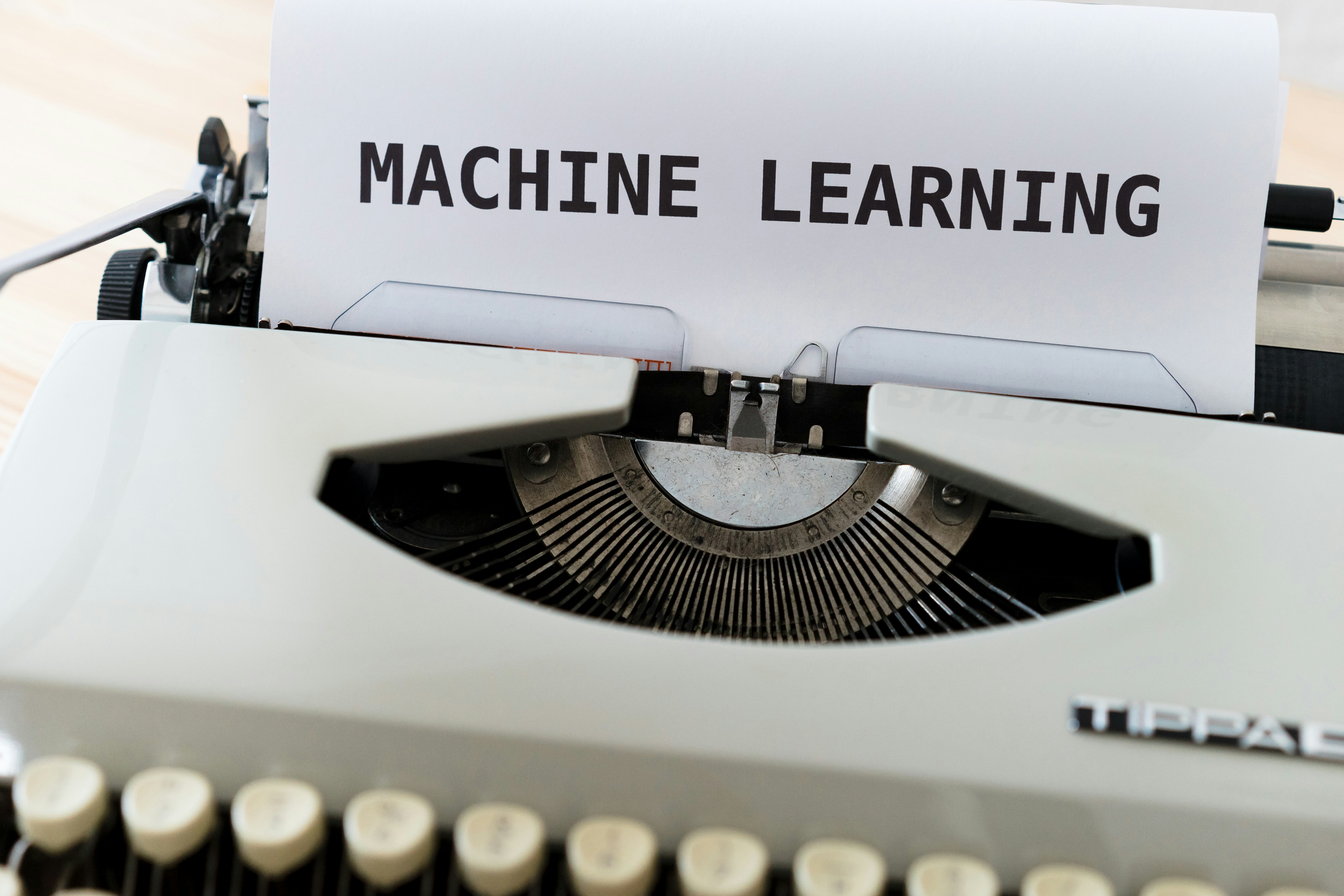
The rise of AI-powered tools like ChatGPT, Gemini, and Microsoft 365 Co-Pilot has transformed the way professionals work. Whether you're managing projects, analyzing data, or leading teams, AI can help you save time, improve decision-making, and streamline your workflow. This workshop provides hands-on experience with real-world AI applications. You'll learn how to automate tasks, generate reports, analyze trends, and optimize workflows—all without requiring technical expertise.
Course Modules
Introduction to AI Tools for Business
Understand the landscape of AI tools available today and how they can transform your workflow.
Duration: 1 hour
- Overview of AI tools landscape (ChatGPT, Gemini, Microsoft 365 Co-Pilot)
- How AI is transforming business operations
- Identifying opportunities for AI in your workflow
- Ethical considerations and best practices
Mastering ChatGPT for Business Applications
Learn how to effectively use ChatGPT to enhance your productivity and streamline communication.
Duration: 1.5 hours
- Crafting effective prompts for better results
- Using ChatGPT for content creation and editing
- Automating routine communications
- Research and information synthesis techniques
- Hands-on exercises with real business scenarios
Google Gemini: Advanced Features for Professionals
Explore Google's Gemini and its unique capabilities for business applications.
Duration: 1.5 hours
- Gemini's multimodal capabilities (text, images, code)
- Integrating Gemini with Google Workspace
- Data analysis and visualization with Gemini
- Comparing Gemini and ChatGPT: When to use each tool
- Practical applications across different business functions
Microsoft 365 Co-Pilot: Transforming Your Office Workflow
Discover how Microsoft's AI assistant can revolutionize your daily tasks in Office applications.
Duration: 1.5 hours
- Co-Pilot in Word: Advanced document creation and editing
- Co-Pilot in Excel: Data analysis and formula generation
- Co-Pilot in PowerPoint: Creating compelling presentations
- Co-Pilot in Outlook: Email management and response generation
- Co-Pilot in Teams: Meeting summaries and action items
Building an AI-Enhanced Workflow
Create a personalized strategy for integrating AI tools into your daily work routine.
Duration: 2 hours
- Identifying repetitive tasks for AI automation
- Creating custom workflows combining multiple AI tools
- Measuring productivity improvements
- Addressing challenges and limitations
- Future-proofing your skills in an AI-enhanced workplace
- Action planning workshop: Your 30-day AI implementation plan